



Page 6 of 6
5. Cancelling an Order
As long as your order has not been invoiced, you can cancel it in person, by phone or electronically. To cancel electronically, use the "Order info" menu item under "Orders" in the main menu.
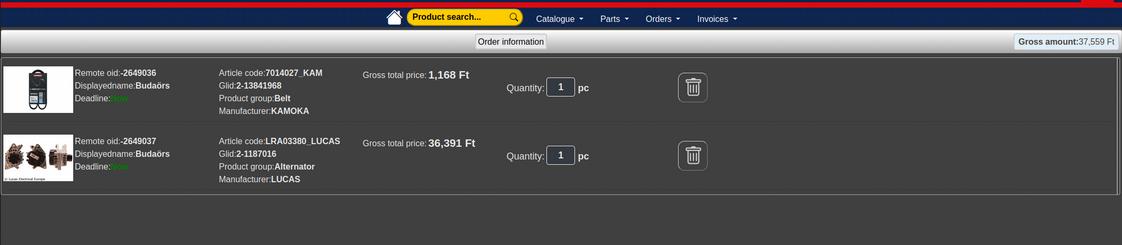
In the list of your orders, use the rubbish bin icon to delete, i.e. cancel, an order. You will not receive an e-mail about the cancellation, but you can check the status of your existing orders at any time using the "Order history" menu item mentioned above. Once your order has been invoiced, you can download your invoices from the "Invoices" menu.
- << Prev
- Next